LetsDefend: SOC146 - Phishing Mail Detected - Excel 4.0 Macros

Overview
This write-up documents the investigation of a SOC146 – Phishing Mail Detected (Excel 4.0 Macros) alert.
The investigation follows the Let’s Defend SOC playbook workflow and demonstrates end-to-end incident handling, including detection, analysis, user impact verification, containment, and closure.
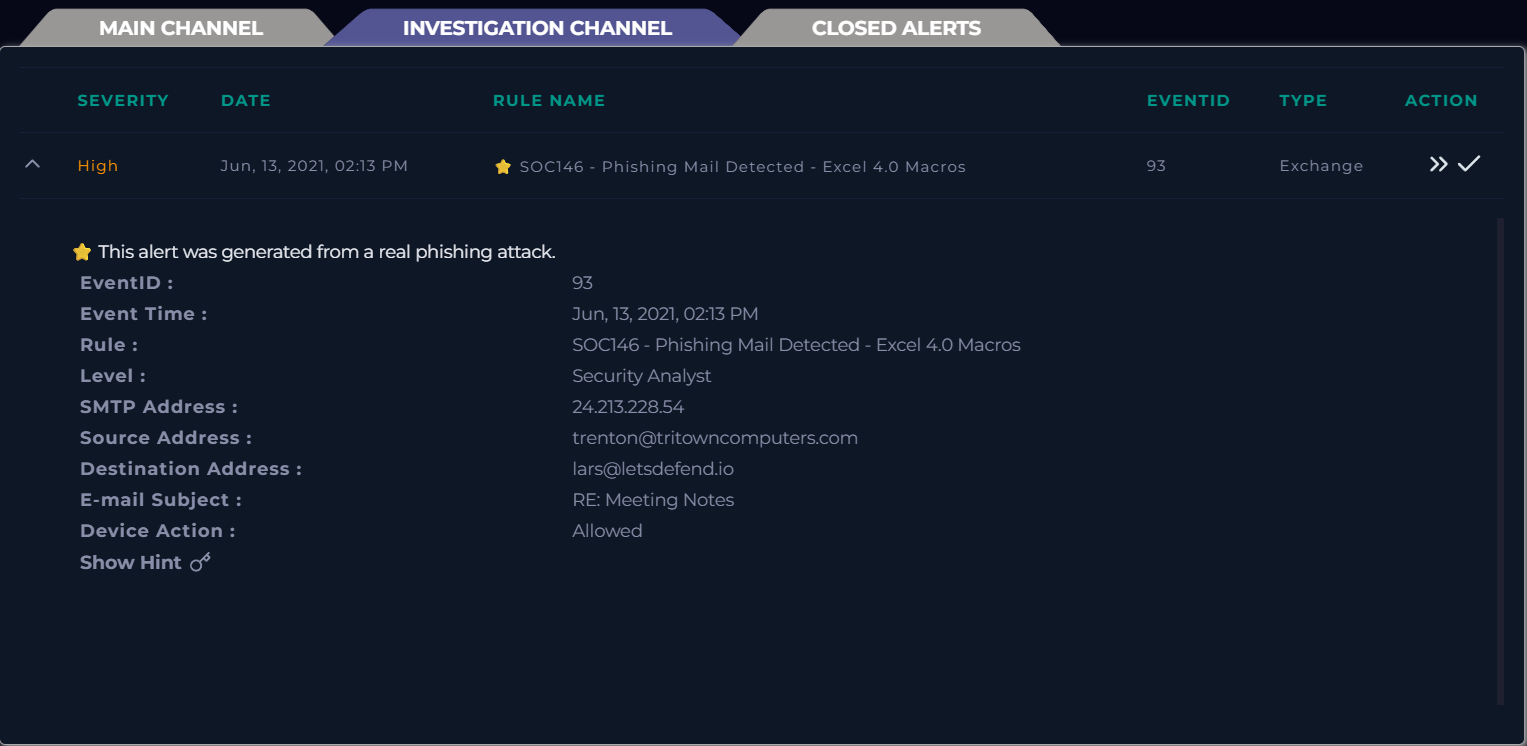
Case Initiation
The investigation begins by creating a case for the SOC146 alert and initiating the playbook from the Case Management section. Analysis is performed alongside the playbook to provide context and support accurate conclusions throughout the investigation.
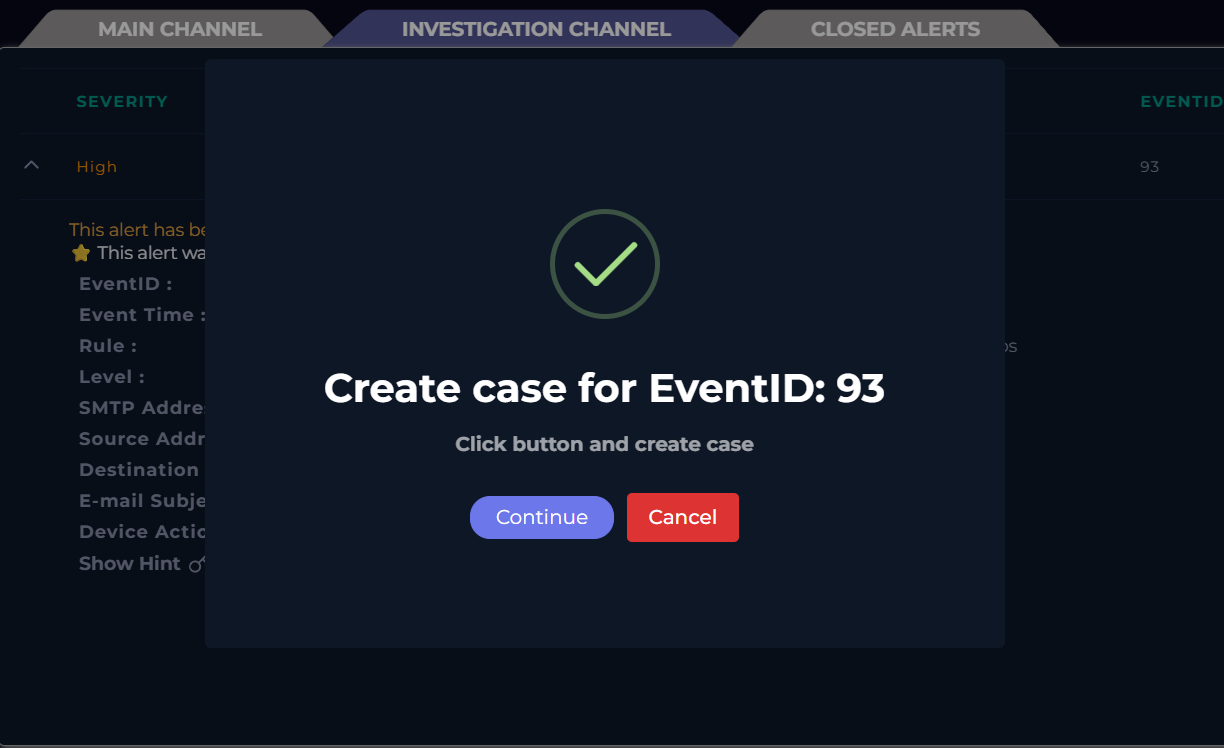
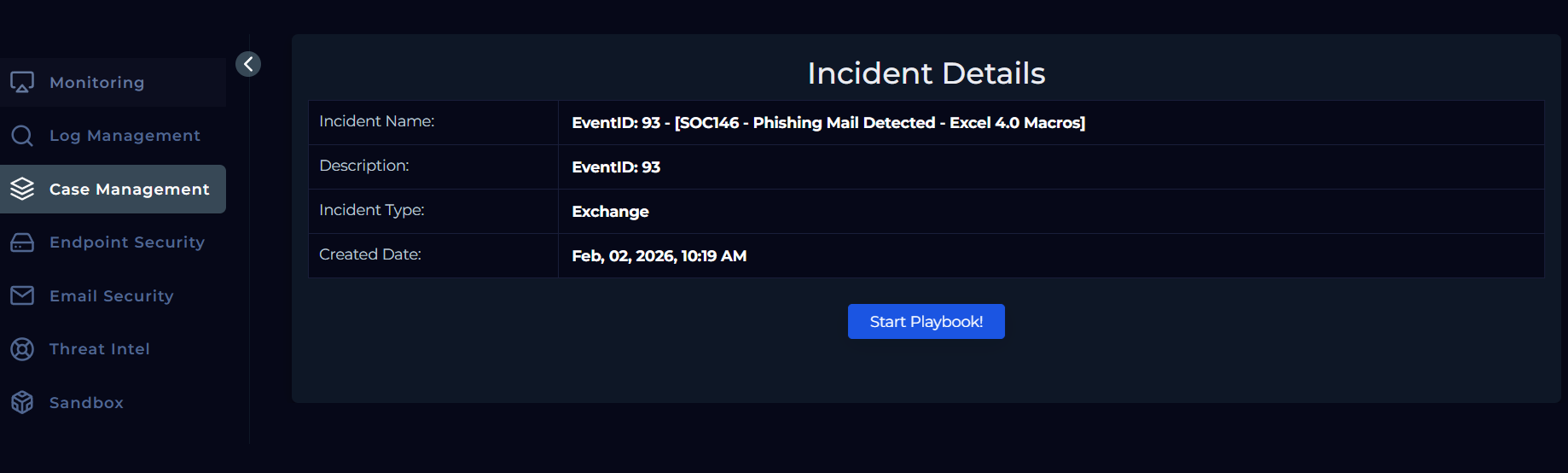
Initial Information Collection
Once the playbook is initiated, the investigation begins with information collection. Basic details about the alert email are gathered from the alert itself to establish initial context before proceeding with deeper analysis.
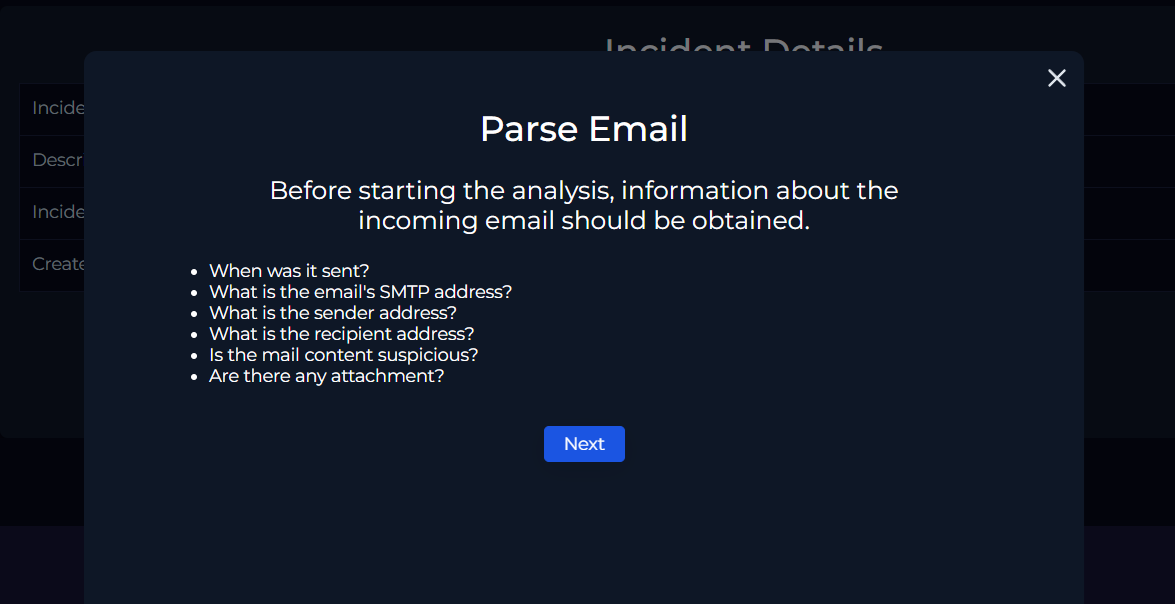
Parse Email
Before starting the analysis, key information about the incoming email is collected.
Parsed details:
- Event Time: June 13, 2021, 02:13 PM
- SMTP Address: 24.213.228.54
- Sender Address: trenton@tritowncomputers.com
- Recipient Address: lars@letsdefend.io
- Mail Content Suspicious: To be determined
- Attachment Present: To be confirmed
With the required email details parsed, the investigation proceeds to the next stage of the playbook.
Email Security Analysis
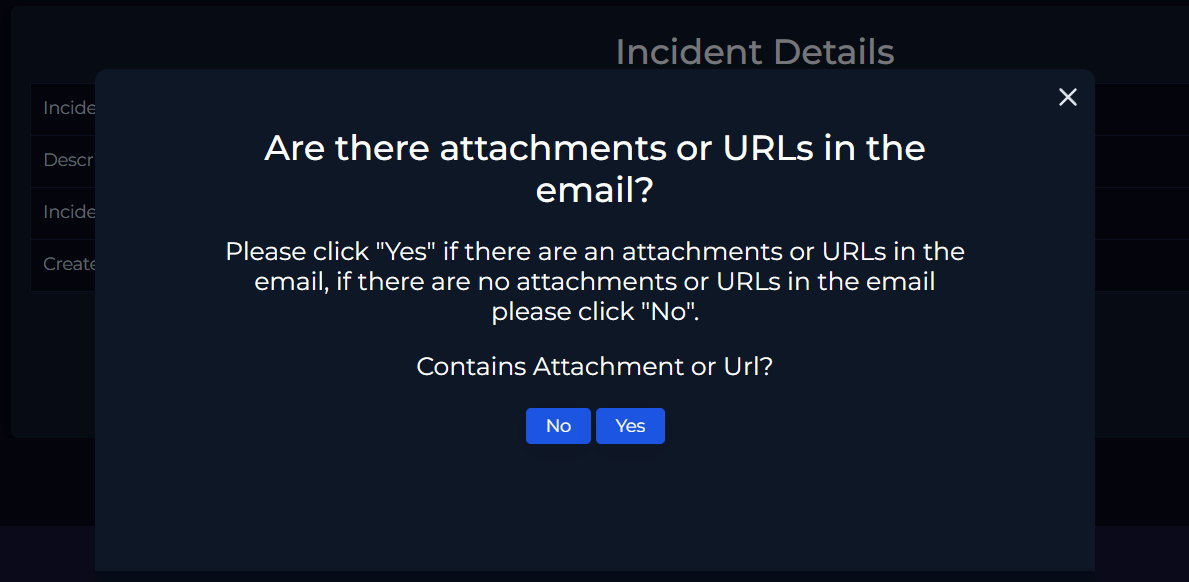
The next step is to determine whether the email contains any attachments or URLs. With the initial alert details gathered, attention is directed toward analyzing the sender’s email activity.
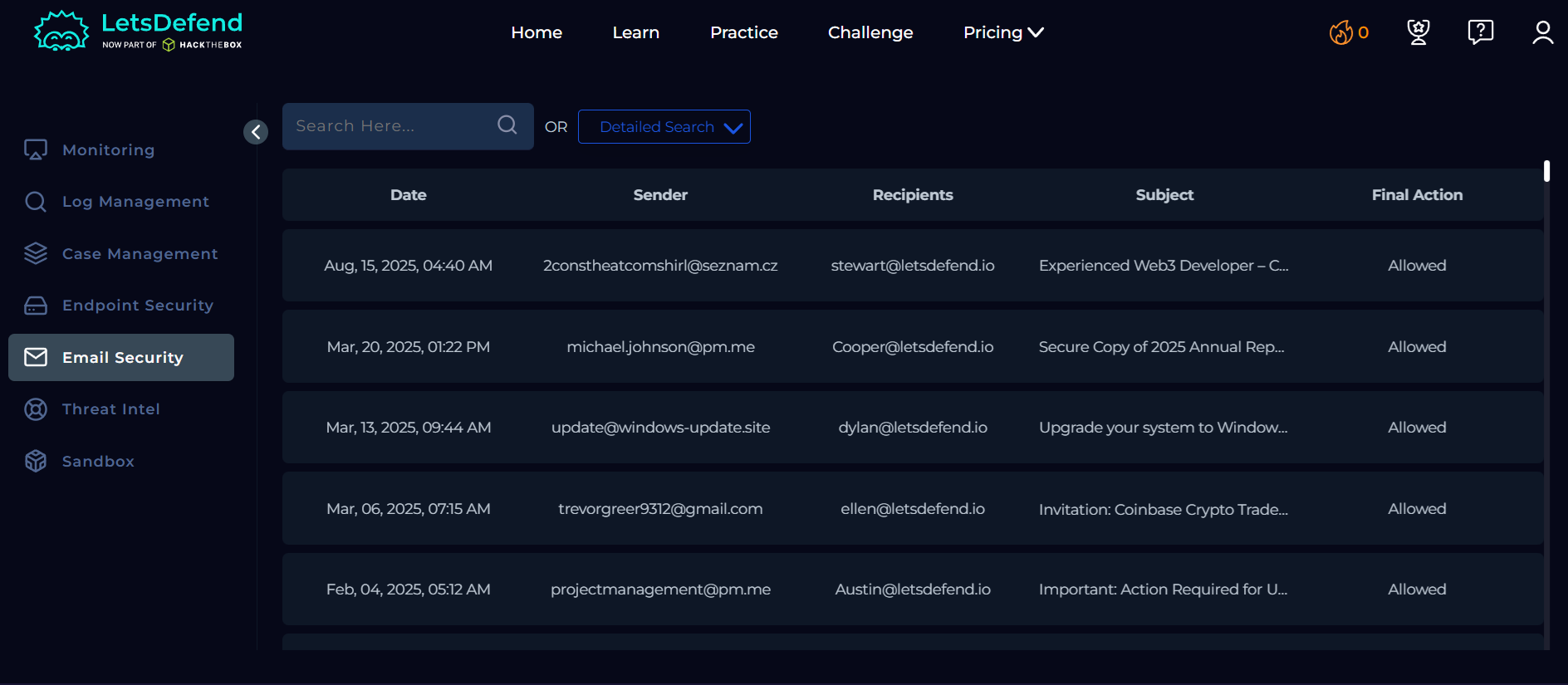
Using the Email Security section, a Detailed Search is performed with the following fields:
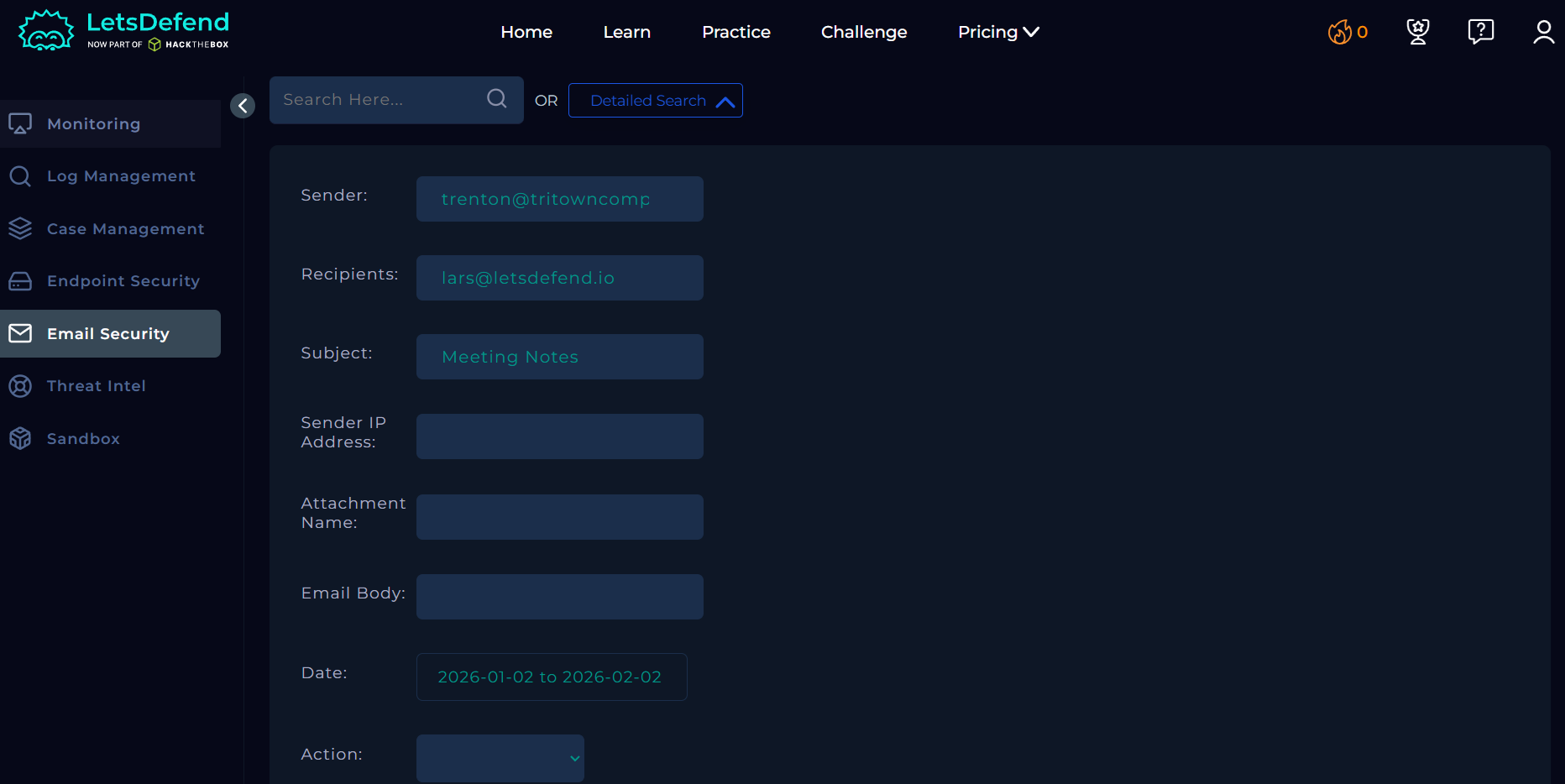
- Sender: trenton@tritowncomputers.com
- Recipient: lars@letsdefend.io
- Subject: Meeting Notes
Once the search returns a matching result, the email is selected and opened for further investigation.
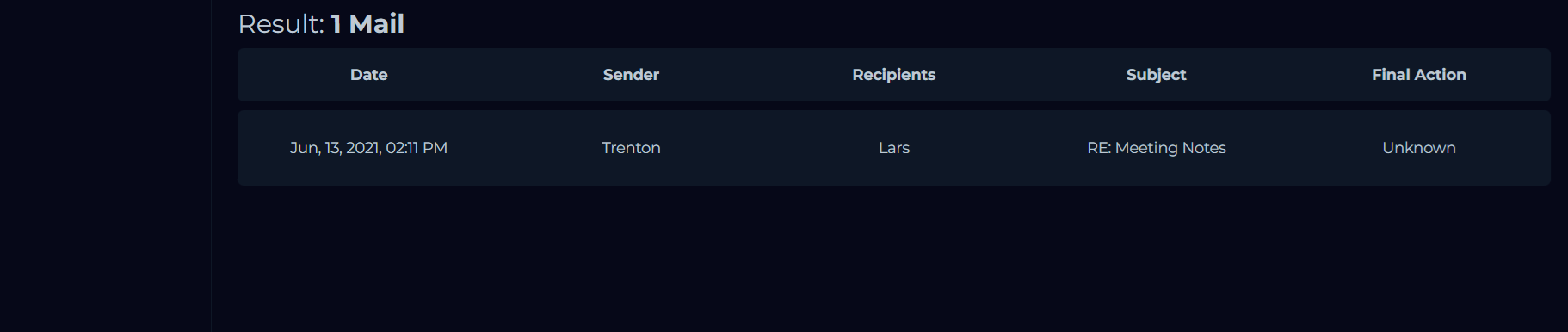
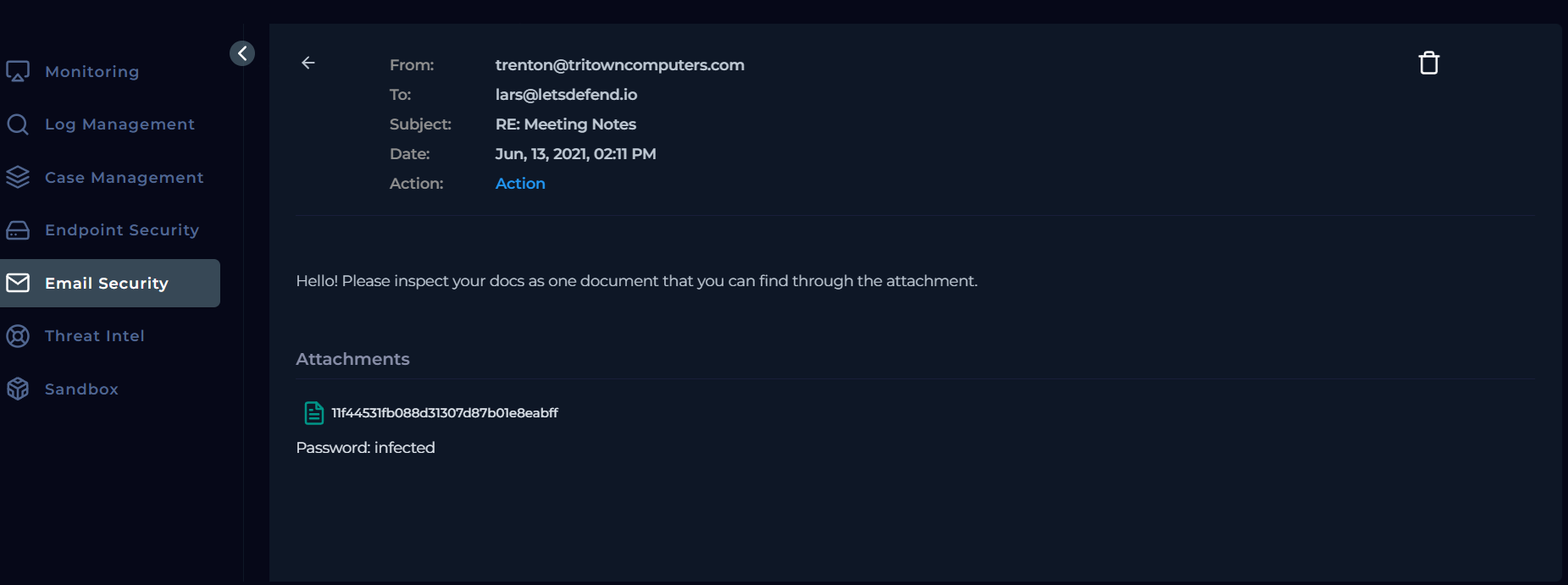
The email review confirms the presence of an attachment, resolving the previously pending playbook question regarding attachments or URLs.
Attachment Analysis
The playbook next requires analysis of any URLs or attachments. The attached file is downloaded from the Email Security section and examined in an isolated environment.
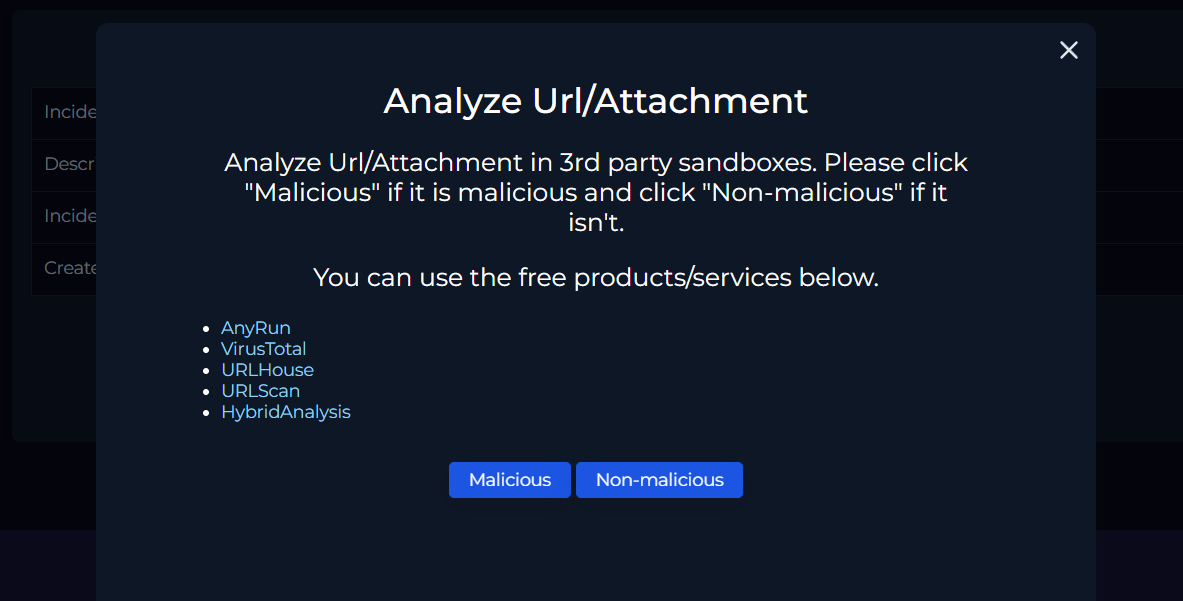
After the attachment is extracted using the provided password (infected), cryptographic hashes are generated for each extracted file. These hashes are then used to perform initial static analysis leveraging open-source threat intelligence sources such as VirusTotal.
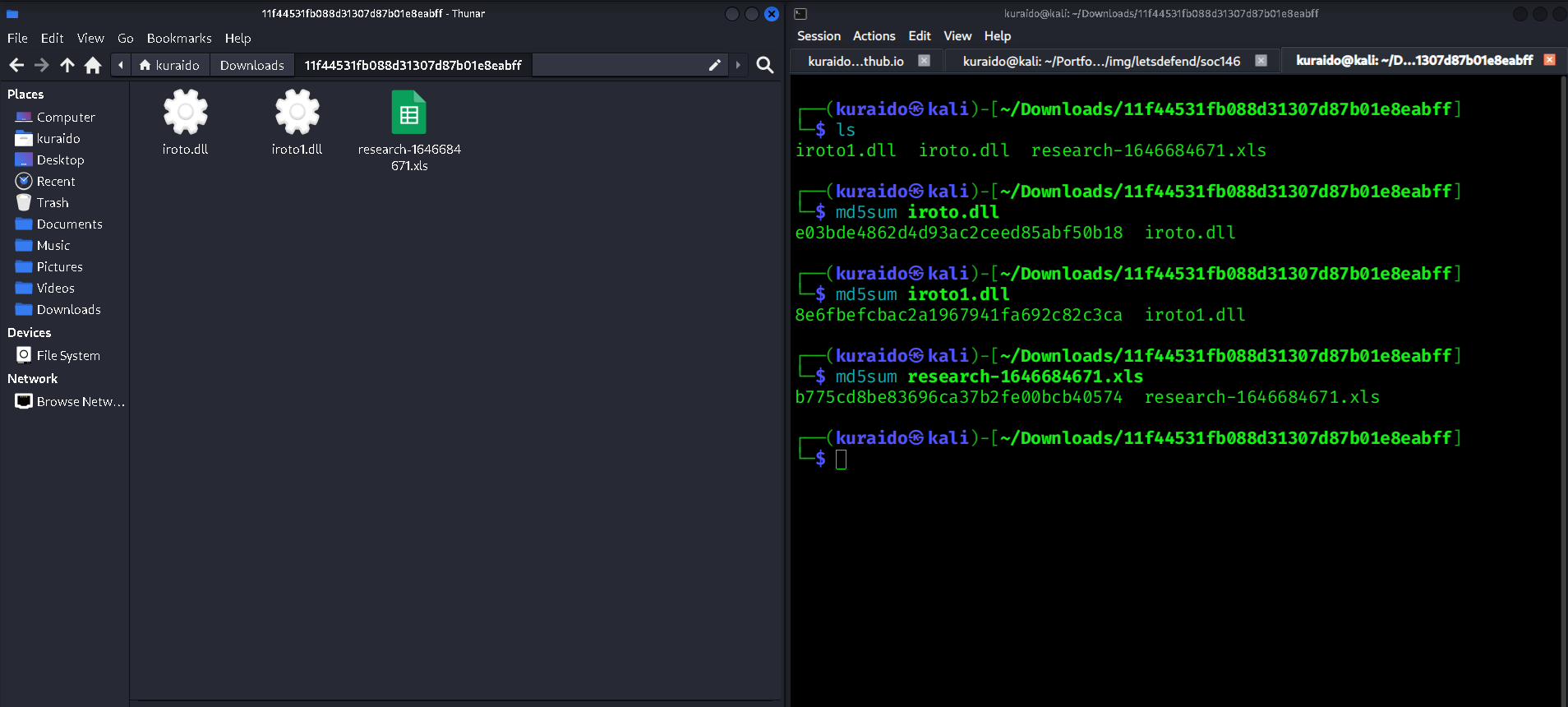
Extracted Files
The archive contains the following files:
iroto.dlliroto1.dllresearch-1646684671.xls
Hash Analysis
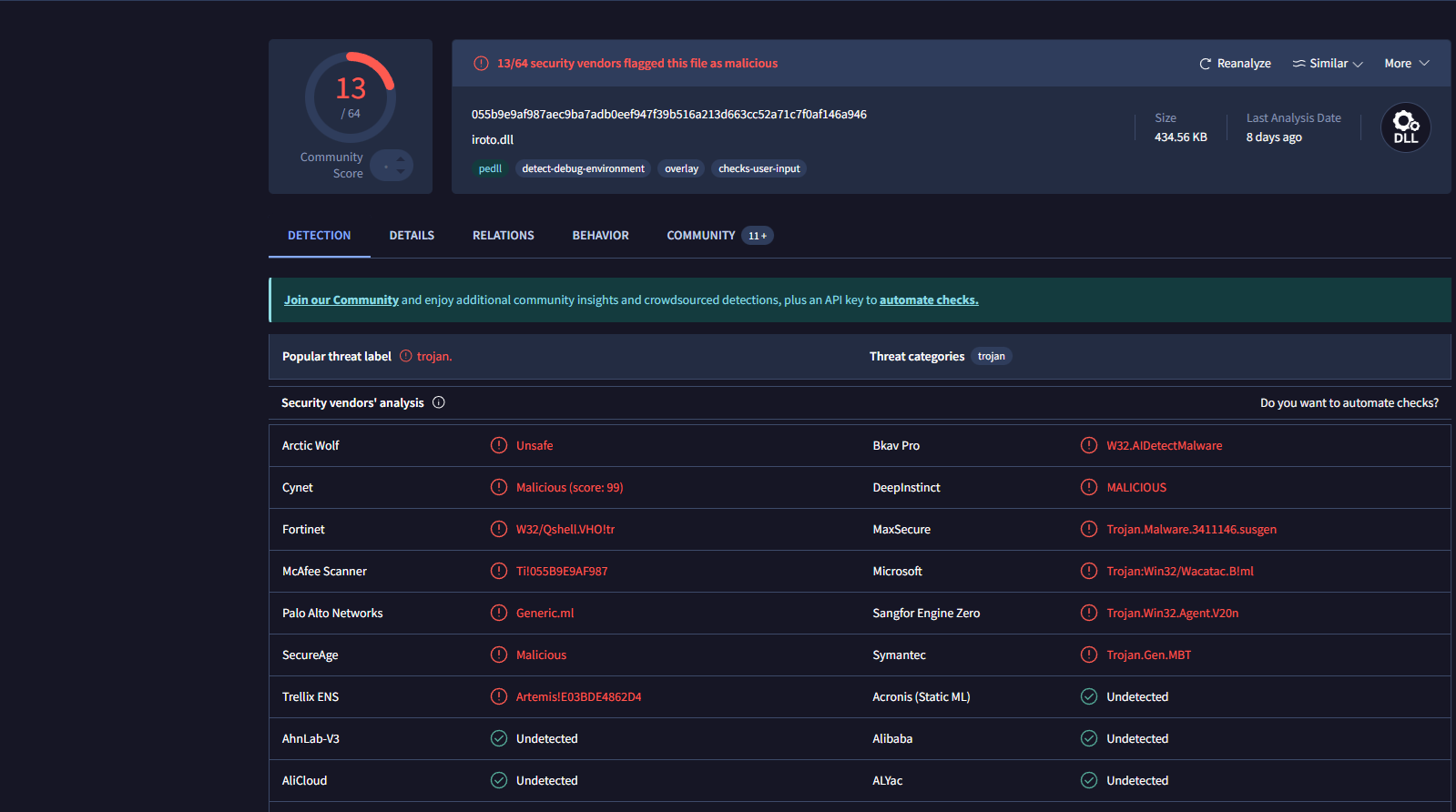
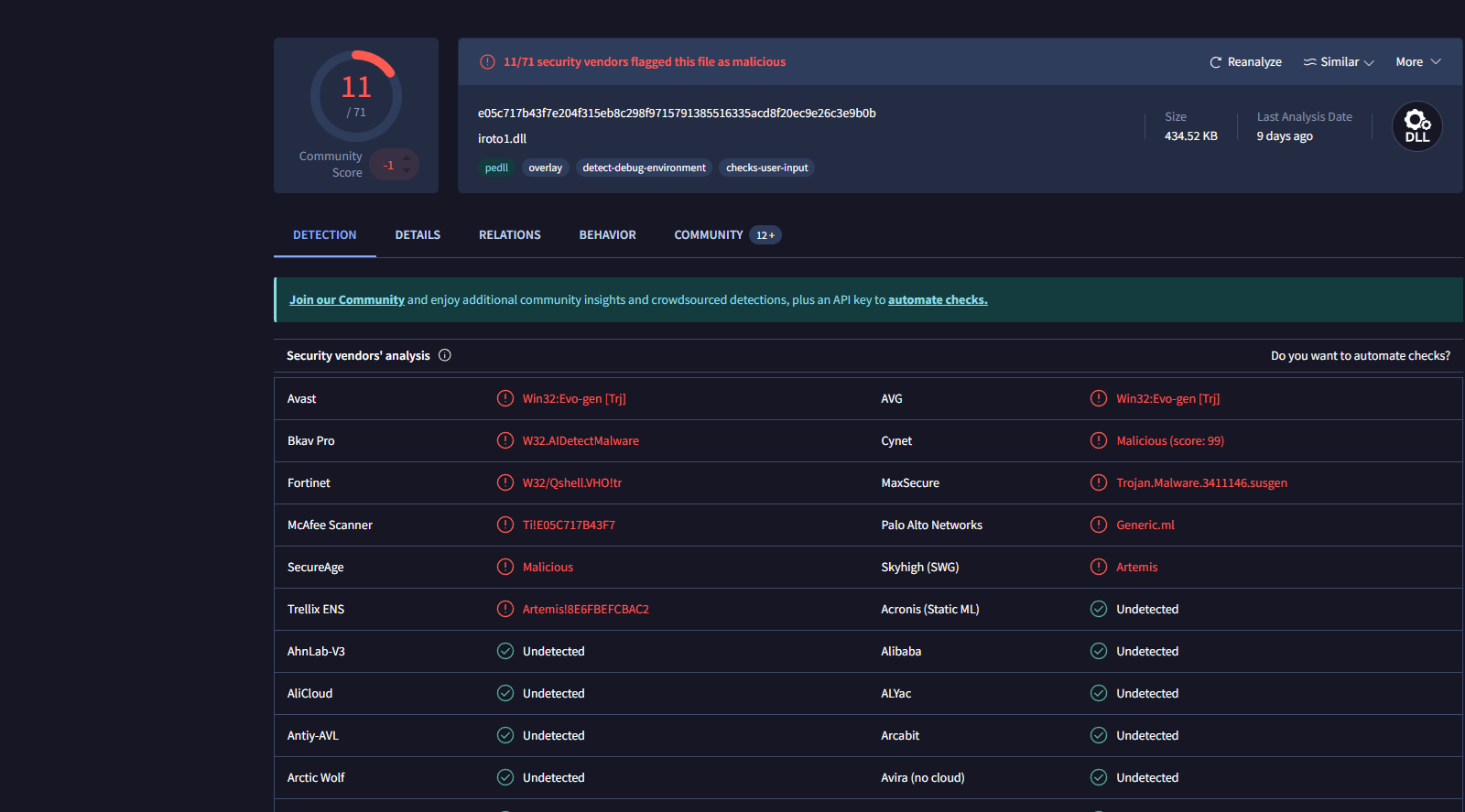
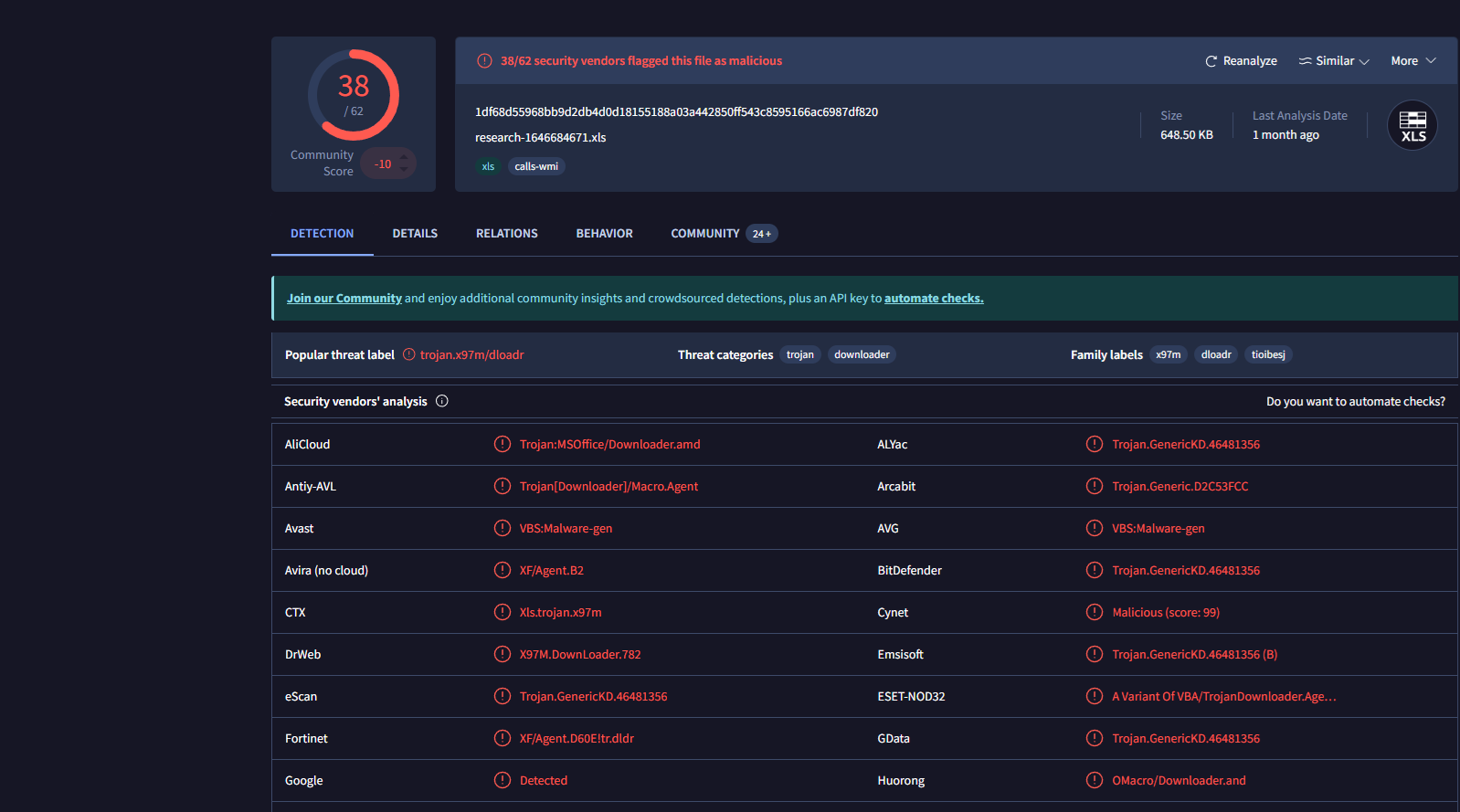
Cryptographic hashes are generated for each file and submitted to VirusTotal.
| File Name | MD5 Hash |
|---|---|
| iroto.dll | e03bde4862d4d93ac2ceed85abf50b18 |
| iroto1.dll | 8e6fbefcbac2a1967941fa692c82c3ca |
| research-1646684671.xls | b775cd8be83696ca37b2fe00bcb40574 |
VirusTotal results indicate that all three files are malicious, validating the phishing alert. Based on this analysis, the attachment is classified as Malicious.
Email Delivery Verification
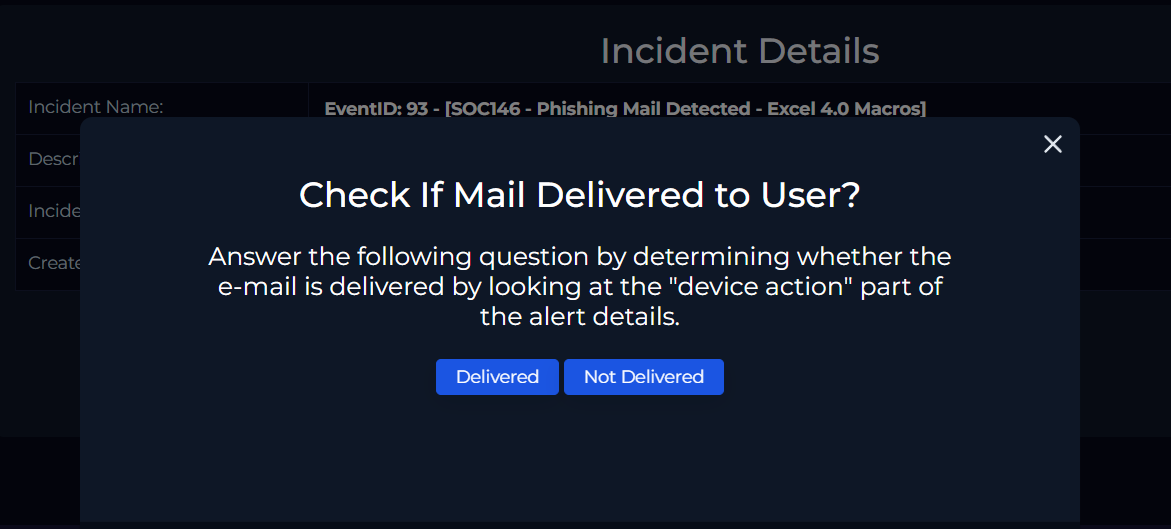
The next step is to verify whether the email was successfully delivered to the recipient. This is determined by reviewing the Device Action field in the alert details.
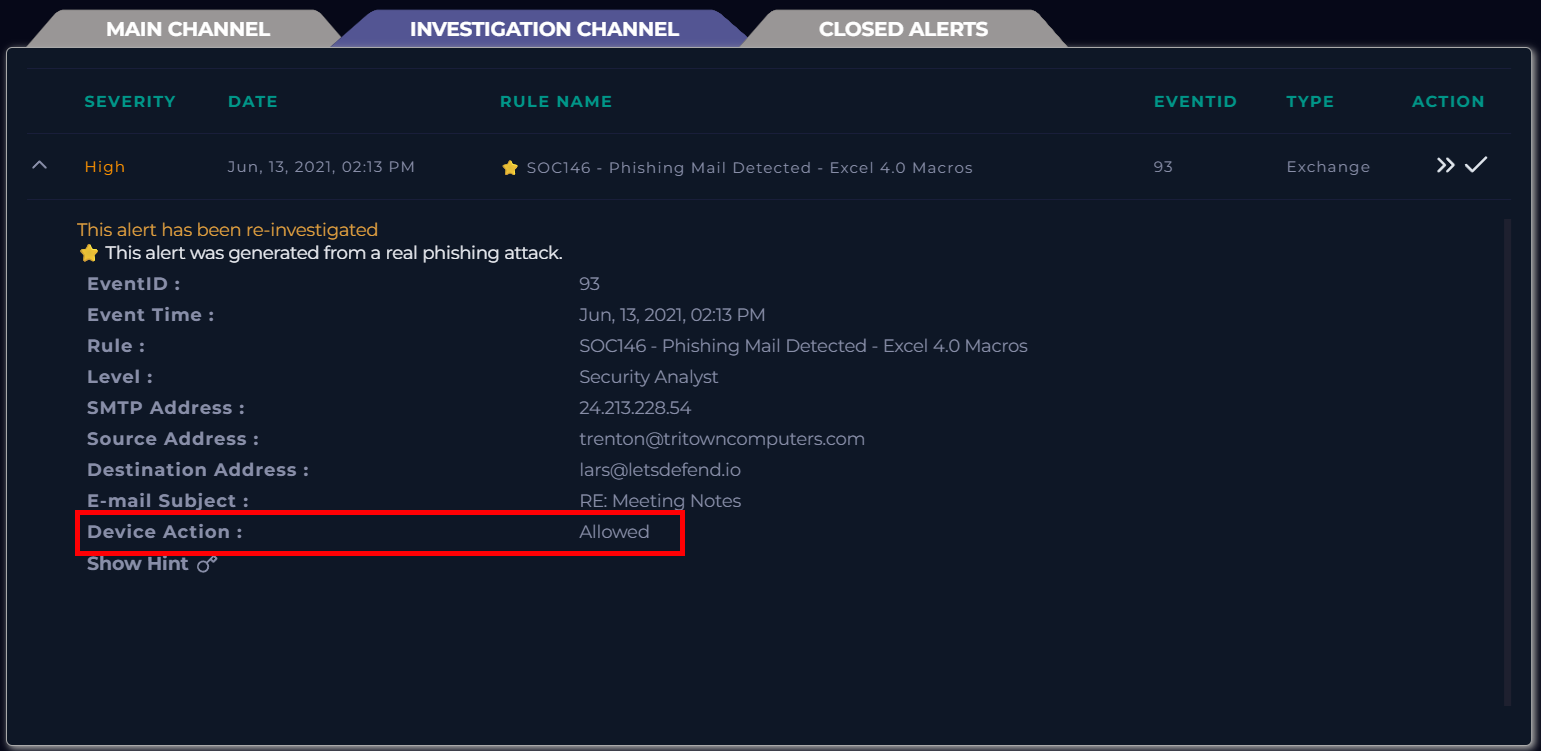
- Device Action: Allowed
This confirms that the email was delivered. Further analysis also confirms that the recipient downloaded the attachment.
The playbook question “Check if the email has been delivered to the user” is answered by selecting Delivered.
Remediation – Email Removal
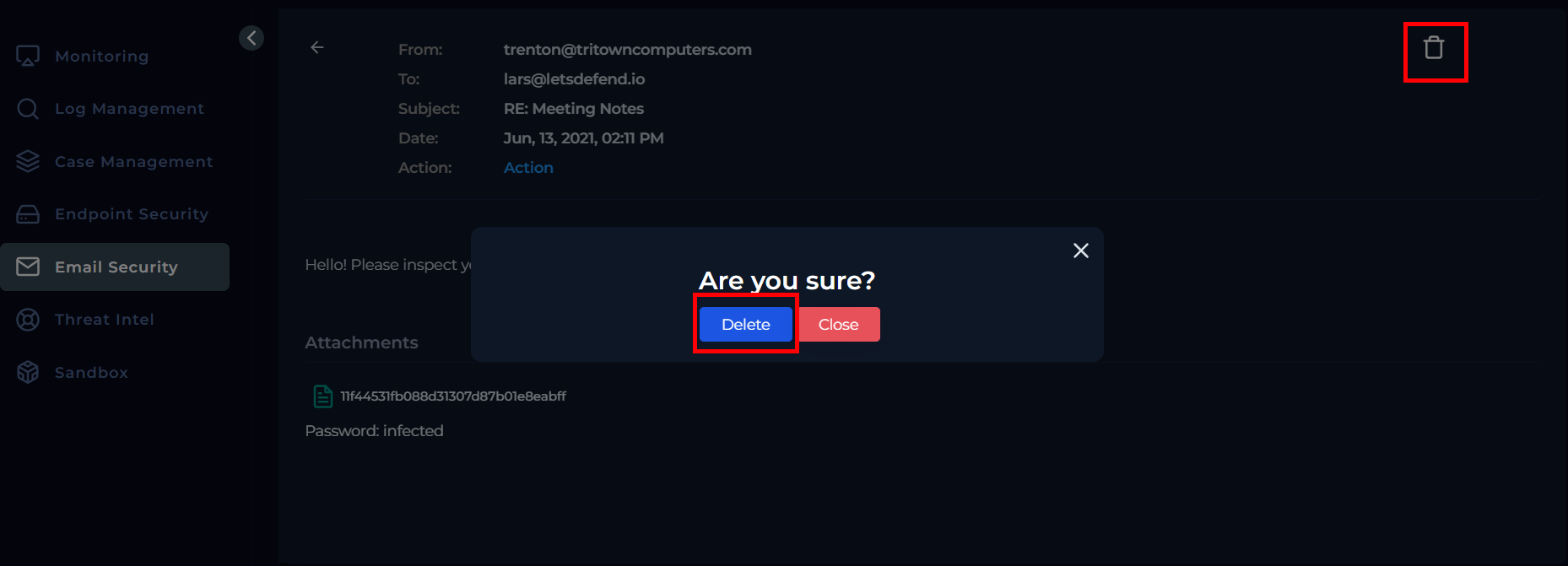
After confirming delivery and malicious content, remediation is performed by removing the email from the recipient’s mailbox.
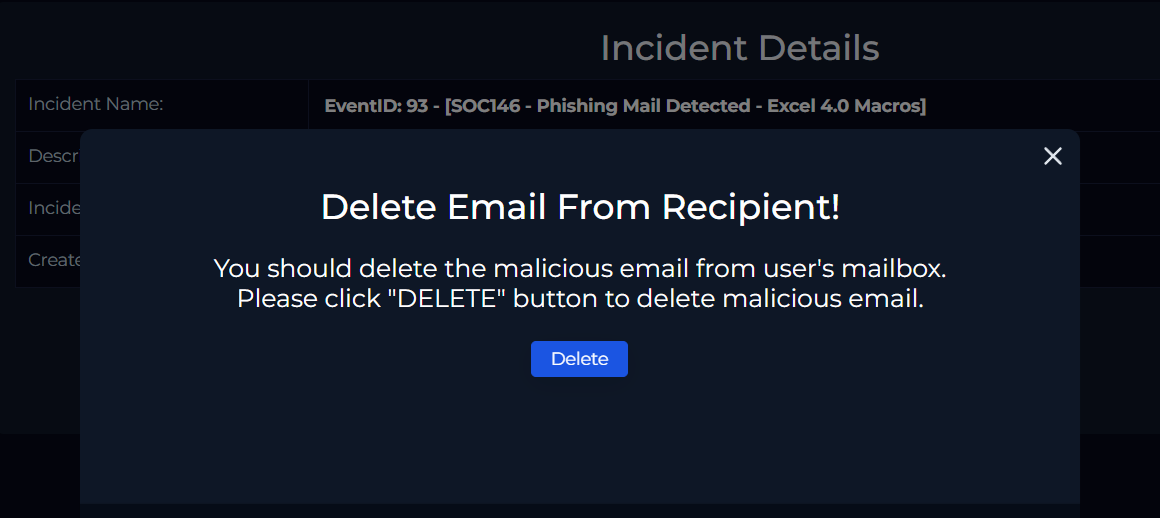
This is done by navigating back to the Email Security section, locating the email, and selecting the delete option. The action is confirmed by clicking Delete, allowing the playbook to proceed.
User Interaction Verification
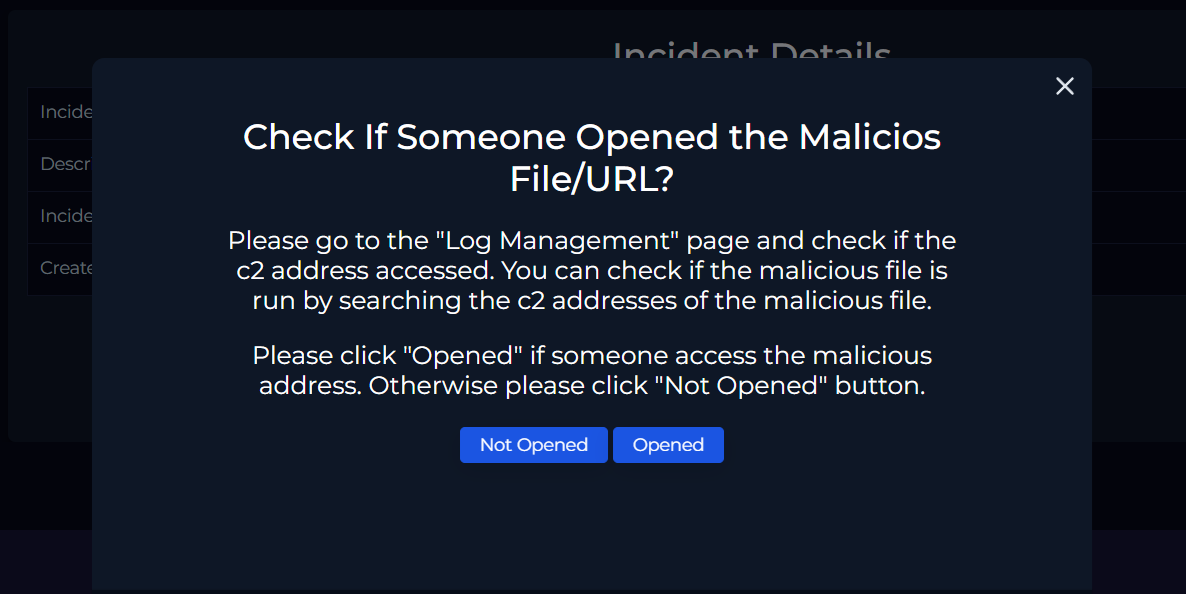
To verify whether the malicious file was opened, Log Management is reviewed for network activity associated with command-and-control (C2) URLs identified during VirusTotal analysis.
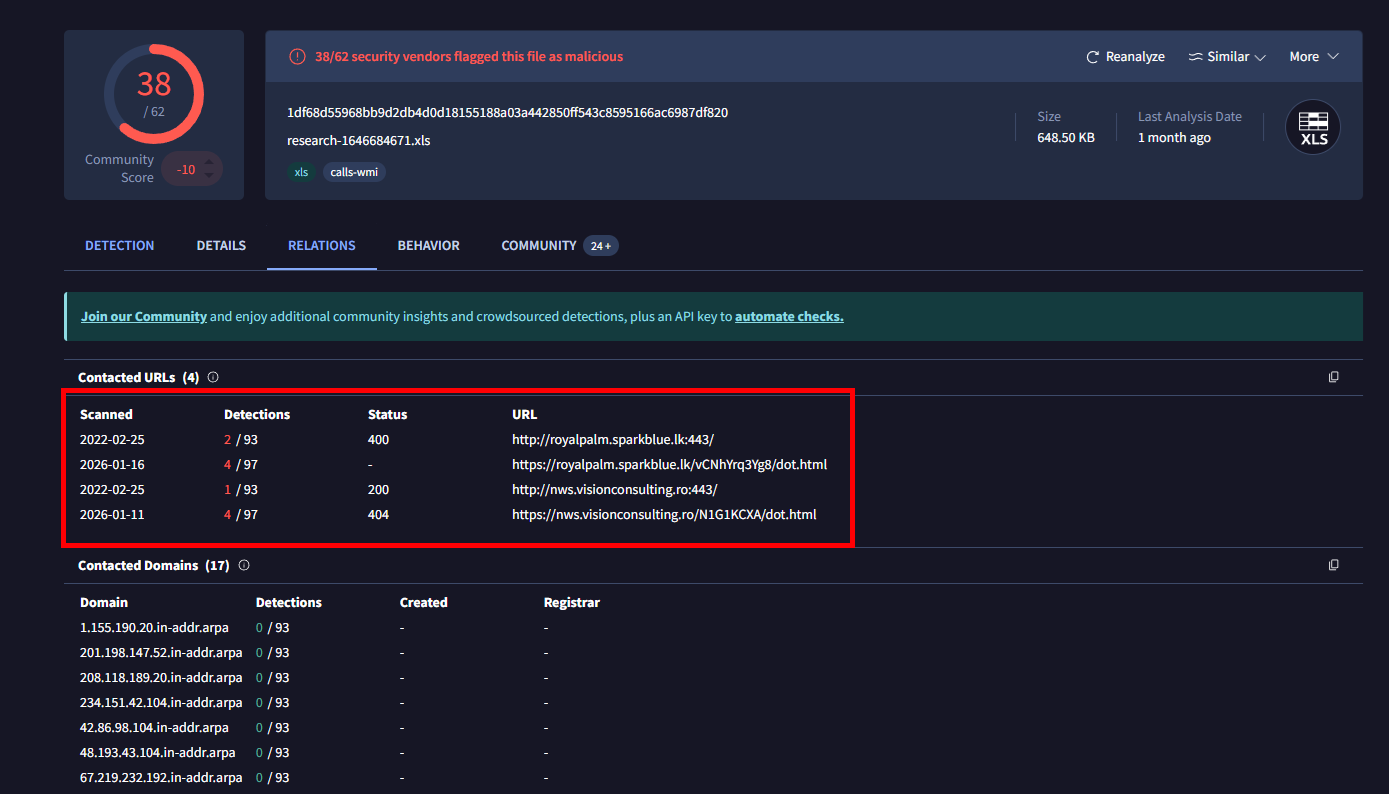
The following domains are searched:
royalpalm.sparkblue.lknws.visionconsulting.ro
The results confirm outbound connections originating from the internal host.
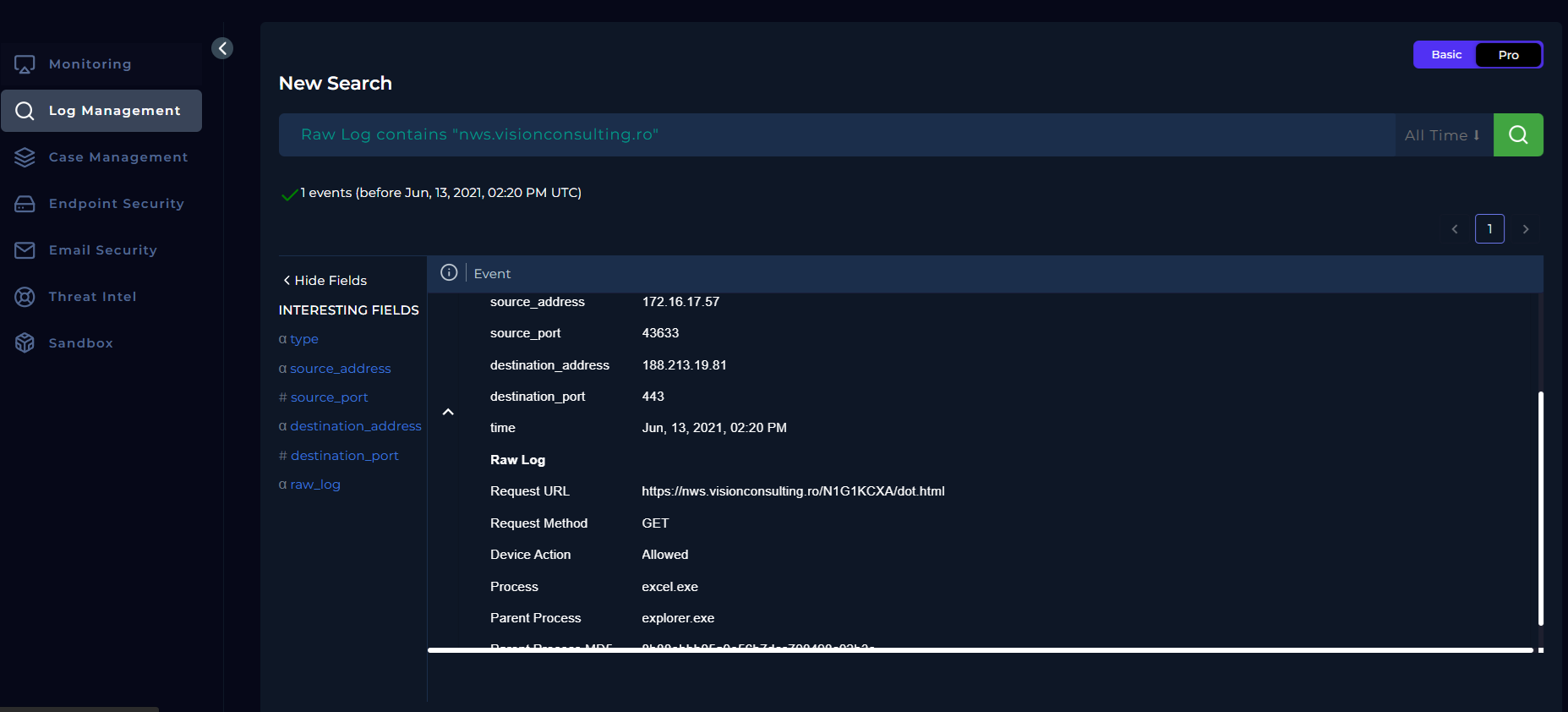
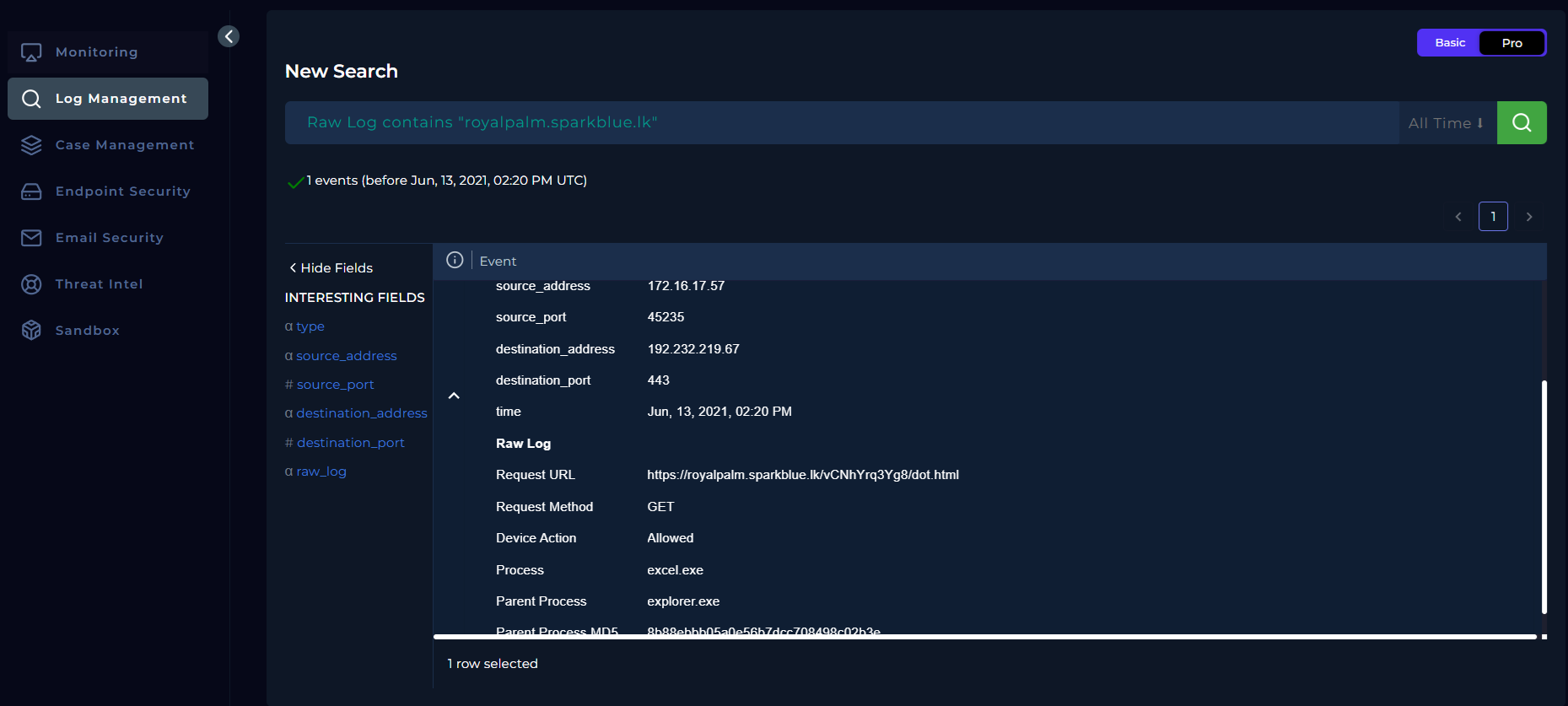
Key observations:
- Process:
excel.exe - Parent Process:
explorer.exe - Request Method: GET
- Destination Port: 443
- Device Action: Allowed
These findings confirm that the malicious Excel file was executed, resulting in outbound connections to known malicious infrastructure.
The playbook question “Check if someone opened the malicious file/URL?” is answered by selecting Opened.
Endpoint Identification and Containment
At this stage of the investigation, the affected endpoint is identified by correlating the source IP address observed in Log Management with the recipient email address.
- Source IP: 172.16.17.57
- User: lars@letsdefend.io
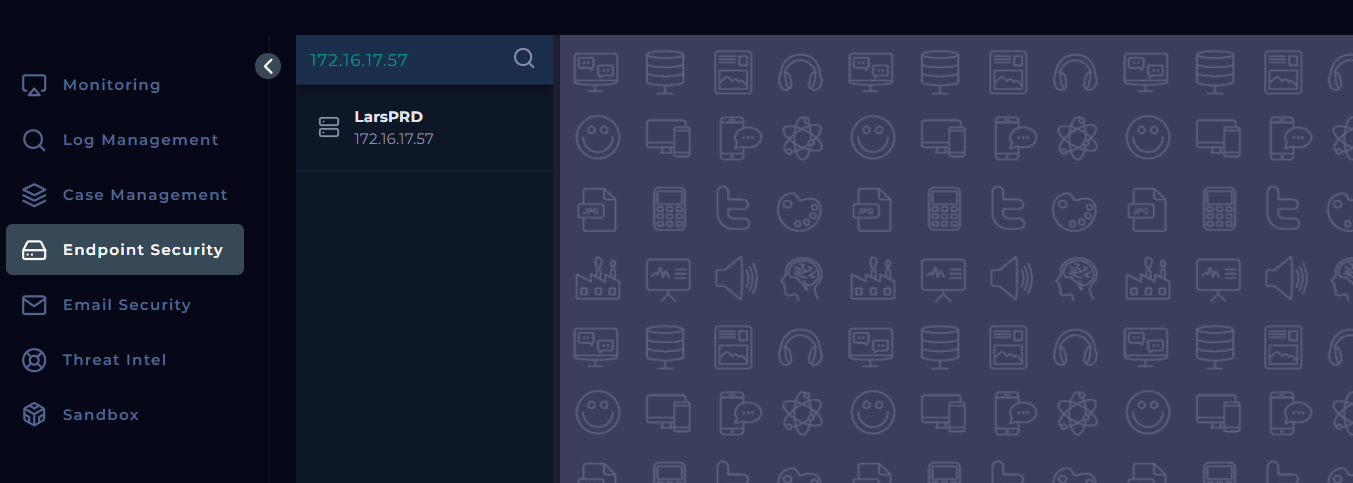
This IP is mapped to the host LarsPRD in the Endpoint Security section, confirming the affected device.
Endpoint Execution Evidence
Reviewing the terminal history of the affected endpoint reveals suspicious command execution:
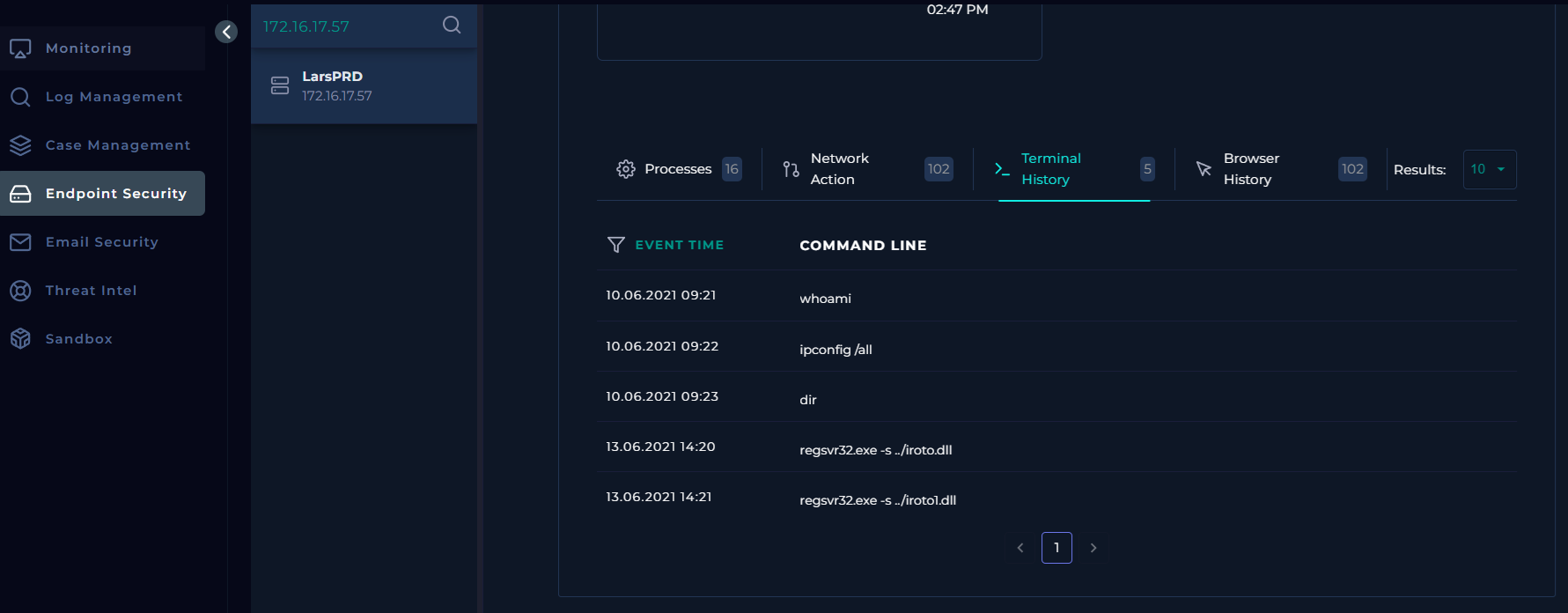
regsvr32.exe is a legitimate Windows utility commonly abused by attackers to silently execute malicious DLLs. The -s flag indicates silent execution without user prompts.
The presence of this command confirms that the malicious attachment was actively executed on the endpoint.
Endpoint Containment
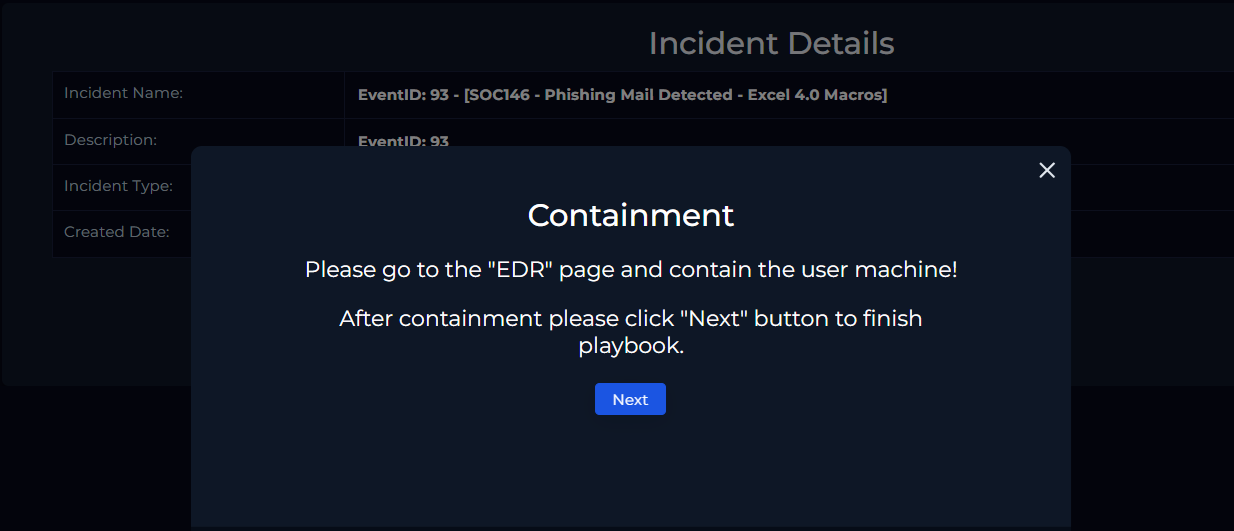
After confirming malicious execution, containment is initiated to prevent further compromise.
Using the Endpoint Security module, the host LarsPRD is placed into containment mode, isolating it from the network.
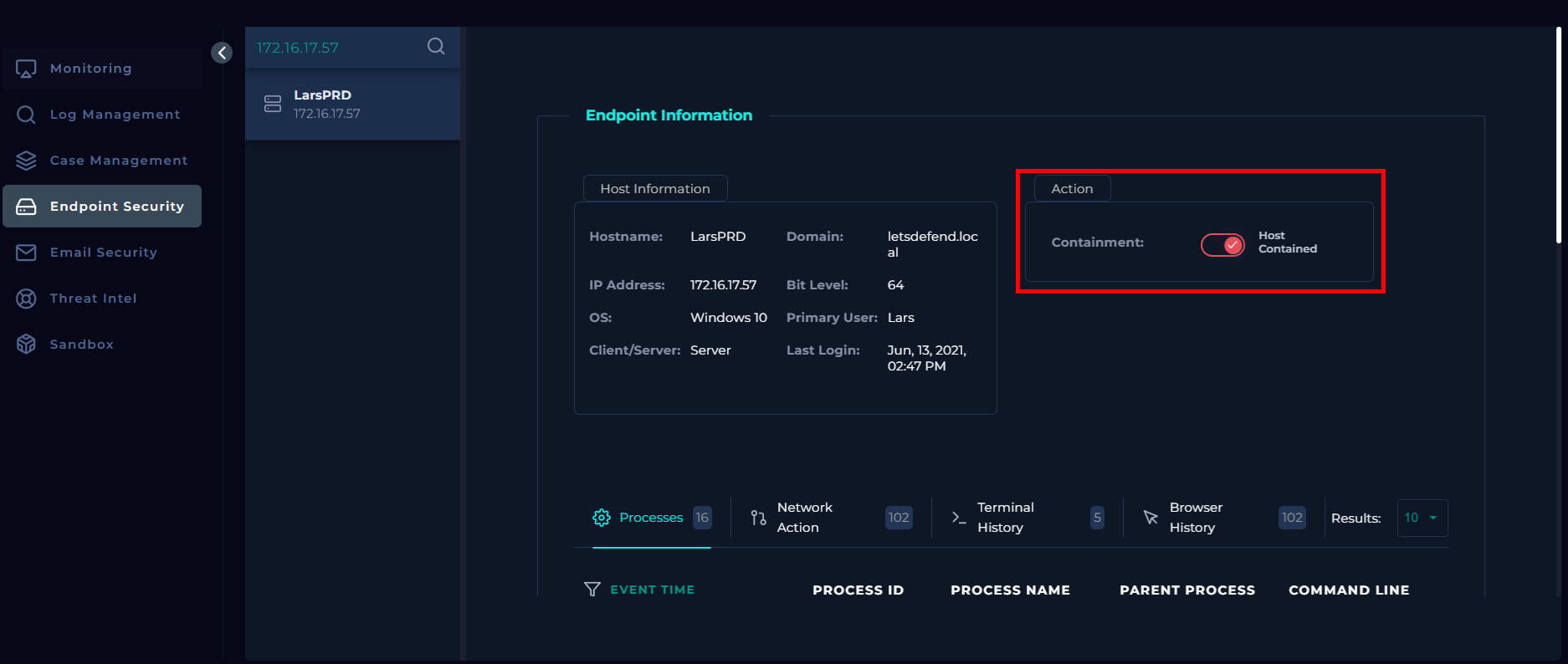
Once the host status reflects Contained, the playbook proceeds to completion.
Artifact Documentation
At this stage of the investigation, all identified indicators of compromise (IOCs) are documented. By this point, all relevant indicators have already been collected.
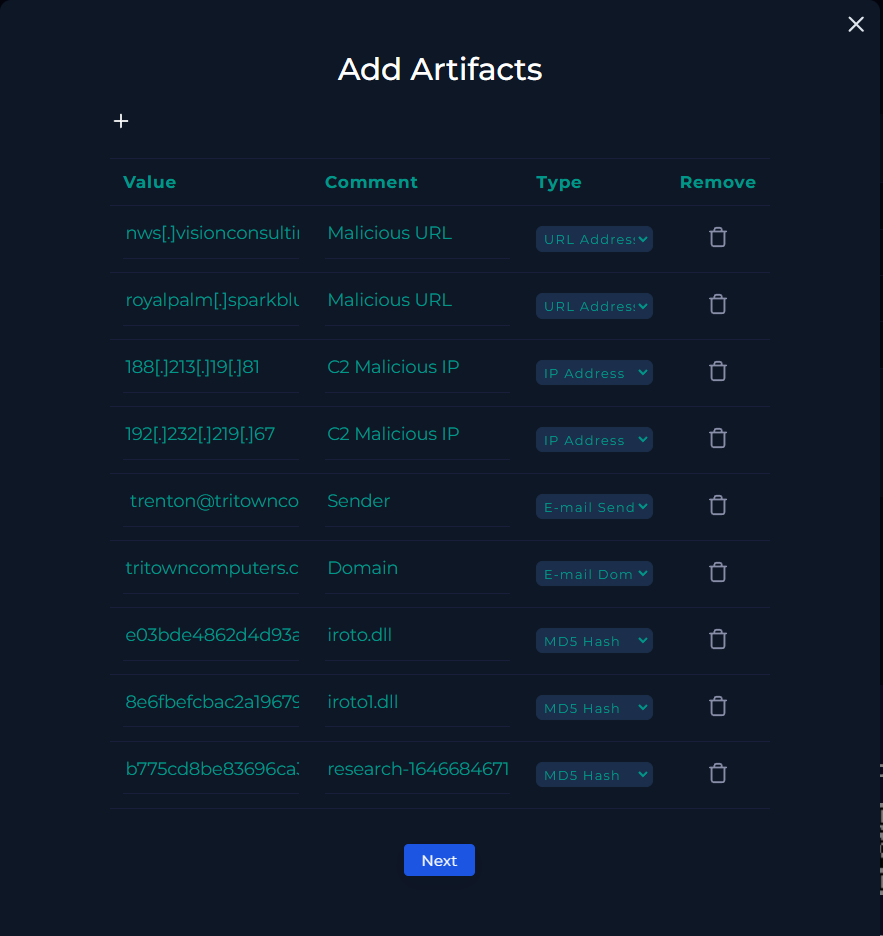
Documented indicators of compromise (IOCs) include:
- Malicious URLs
- C2 IP addresses
- Email sender and sender domain
- File hashes (DLL and XLS files)
With artifact documentation complete, the playbook proceeds to the next stage.
Analyst Note
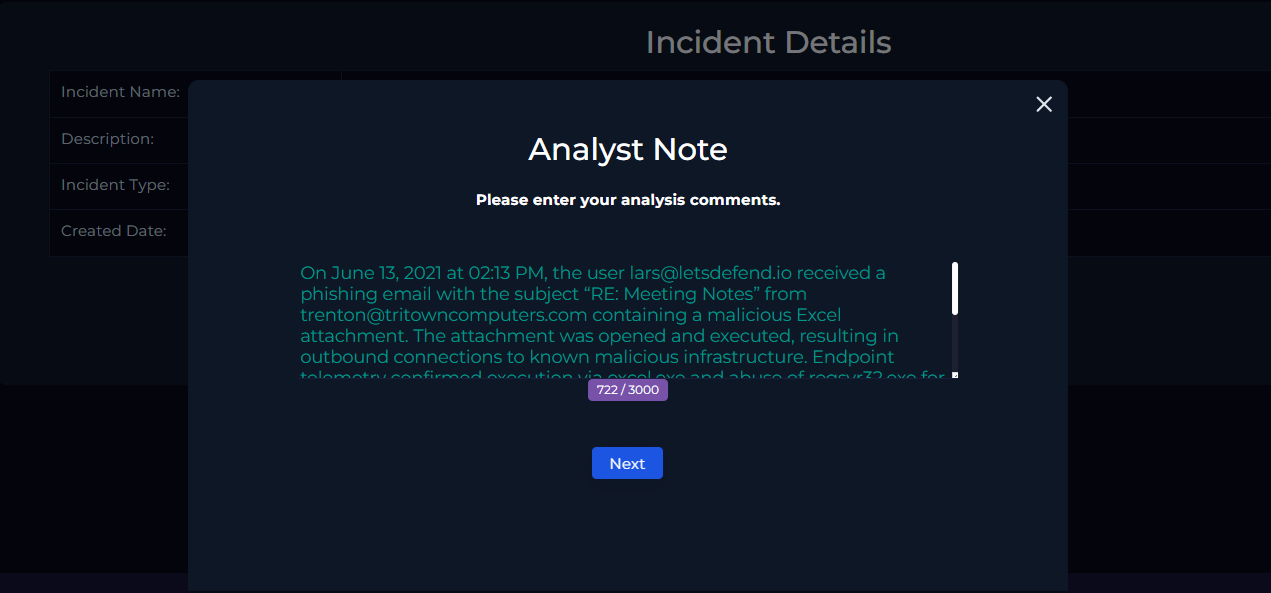
On June 13, 2021 at 02:13 PM, the user lars@letsdefend.io received a phishing email with the subject “RE: Meeting Notes” from trenton@tritowncomputers.com containing a malicious Excel attachment. The attachment was opened and executed, resulting in outbound connections to known malicious infrastructure. Endpoint telemetry confirmed execution via excel.exe and the abuse of regsvr32.exe for silent DLL execution. The affected endpoint (LarsPRD) was identified and successfully contained. All related indicators were documented.
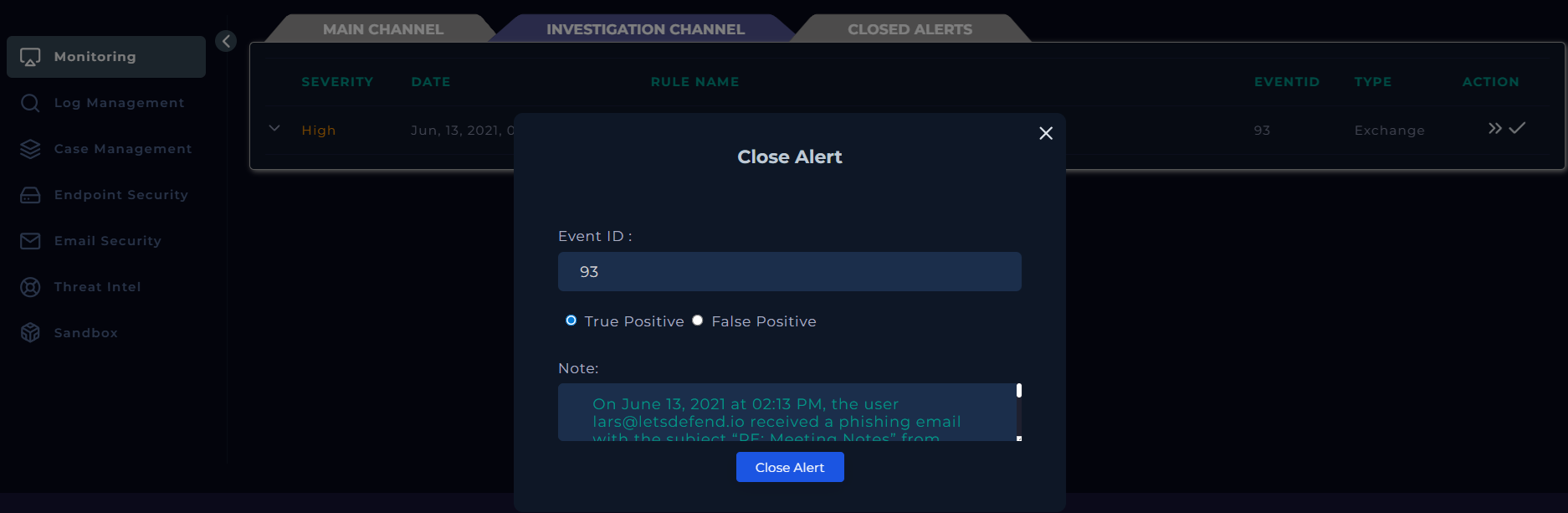
Based on the investigation, the alert was classified as a True Positive phishing incident involving a malicious attachment.
Closing the Alert
Once the investigation is complete and the playbook steps have been followed, the alert can be closed from the Investigation Channel.
Conclusion
This investigation followed the SOC playbook workflow to analyze a phishing alert involving a malicious Excel attachment. The alert was validated through email analysis, threat intelligence, log correlation, and endpoint telemetry. Malicious execution and command-and-control communication were confirmed, and the affected endpoint was successfully contained. All relevant indicators of compromise were documented, and the alert was closed as a True Positive phishing incident.